Remove a distracting item
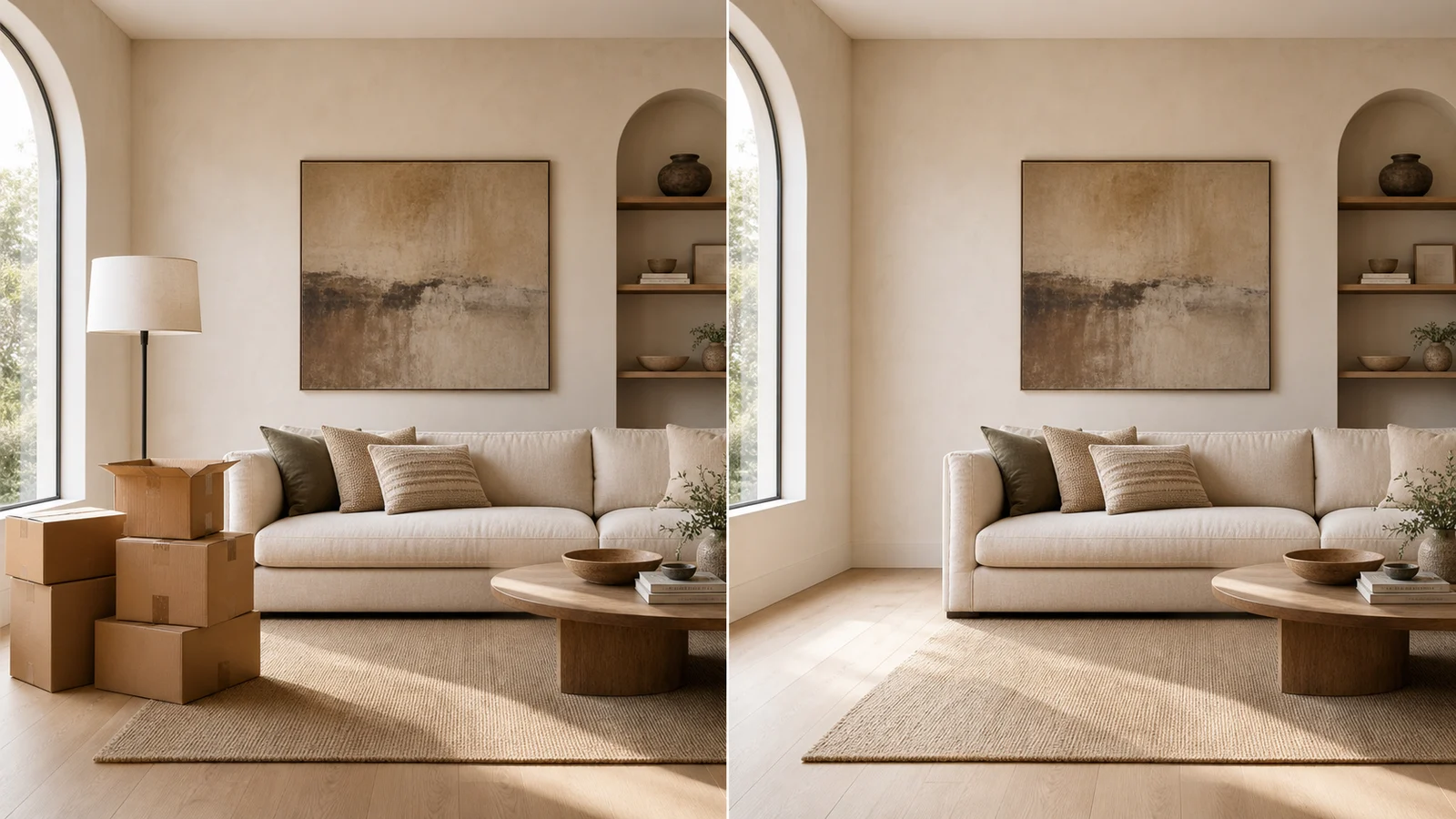
Mark an unwanted object in the photo and generate a view of the area without it.
 Interia
See your room without an unwanted sofa or object
Would your room feel better without that bulky sofa? Remove unwanted furniture or objects from your photo in Interia and preview the space before moving anything.
Ideas to explore
Wondering whether to keep a bulky sofa? Preview its absence first; hidden wall and floor details are AI-generated.
Mark an unwanted object in the photo and generate a view of the area without it.
Explore how the room could feel without a bulky piece of furniture.
Reduce visual distractions when reviewing ideas for the area you want to change.
Interia
Choose the image and mark the item you want to remove.
Use a clear image showing the unwanted item and the area around it.
Use the app's brush to mark the item you want removed.
Review the reconstructed background, shadows and edges before saving the image.
Interia
You can mark larger items too. Removing a large piece means more of the hidden background needs to be generated, so inspect the result carefully.
No. AI fills in areas that were hidden in the photo. That reconstruction may differ from the actual wall or floor behind the item.
Inspect edges, shadows and patterned surfaces. If you use the image in a property listing, disclose the edits and avoid misrepresenting the room.
Interia
Download Interia, mark the unwanted item and preview your space without it.
Available for iPhone, iPad and Android