Rethink the whole room
See how seating, rugs, wall finishes and lighting could work as one interior design.
 Interia
Try room design ideas on your own photo
Looking for small living room ideas or a bedroom makeover? Use your own room photo in Interia to compare furniture, colors and interior styles before buying.
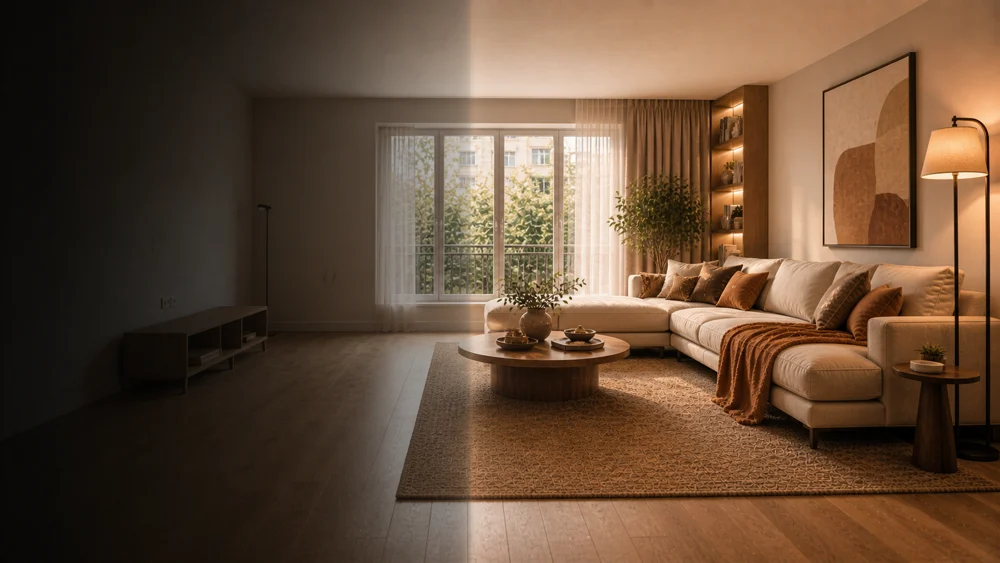
Ideas to explore
When exploring small living room ideas, keep the seating you need and paths to doors in mind—not just the style.
See how seating, rugs, wall finishes and lighting could work as one interior design.
Try modern, Scandinavian or another style on the same room photo to find what feels right.
Save a design you like and use it to explain your ideas when choosing furniture or discussing a renovation.
Interia
Start with a living room, bedroom, kitchen or bathroom photo.
Choose a clear photo showing the room's layout, windows and doors.
Pick the look you want and the amount of change. Add a short instruction for specific preferences.
View the result alongside your original photo, save your favorite or try another style.
Interia
Yes. Start with an empty or furnished room. Furniture and finishes can be reinterpreted according to your style and transformation settings.
You can try design ideas on a small room photo too. Check furniture dimensions and walking space in the real room before making purchases.
You get a design image based on your photo. It is a visual reference, rather than a measured floor plan or construction drawing.
Interia
Download Interia, add your room photo and explore a style worth bringing home.
Available for iPhone, iPad and Android