Search from a photo
Use a clear picture of a chair, sofa, table or light you like.
 Interia
Find a sofa like the one in your photo
Love a sofa in a photo but don't know the brand? Search furniture by image in Interia and explore similar sofas, tables and chairs with available product information.
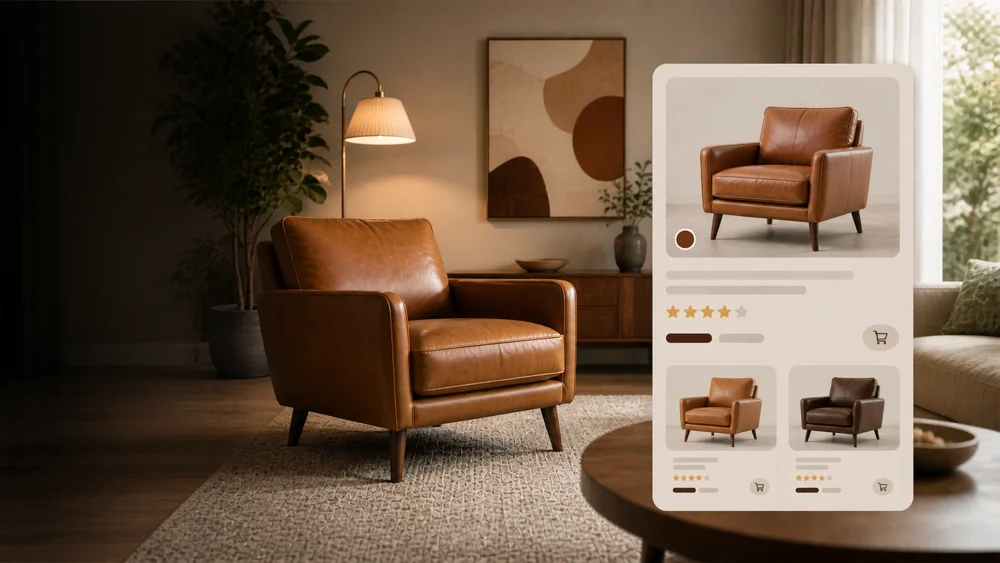
Ideas to explore
Use a clear photo of one piece. Compare shape and finish, then check real dimensions and delivery with the seller.
Use a clear picture of a chair, sofa, table or light you like.
Explore products with a related shape and appearance when the original is hard to identify.
Review the product and price information returned, then check the seller's current listing.
Interia
You do not need to know the item's name or brand.
Choose a photo where one item is clearly visible and in focus.
Let Interia look for products that resemble the photographed piece.
Review available product details and prices, and check the seller before buying.
Interia
No. Search starts from the image. A clear view of the item's shape and details makes it easier to judge the suggested matches.
Results are based on visual similarity. The exact brand or model may not appear, so compare dimensions and materials on the product listing.
Availability, prices and shipping depend on the seller. Check the current listing and delivery options for your location before ordering.
Interia
Download Interia, add a furniture photo and discover similar products to compare.
Available for iPhone, iPad and Android