Look beyond individual pieces
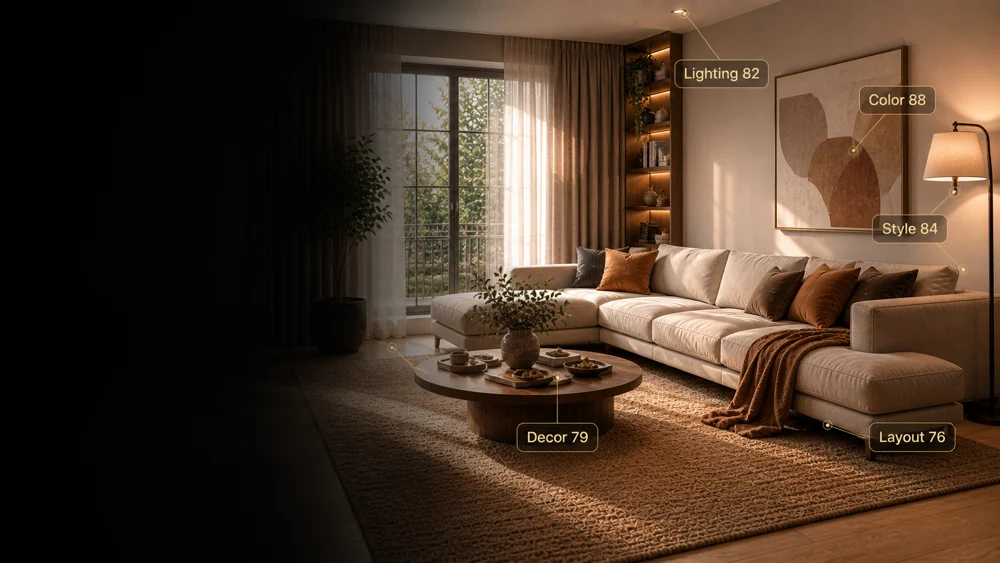
Read how lighting, colors, furniture and decor contribute to the overall feel of the room.
 Interia
What is your room missing?
Does your room feel unfinished? Get written AI decorating advice from your photo in Interia, covering lighting, furniture arrangement and colors to help you choose what to change first.
Ideas to explore
If your room feels unfinished, use the feedback to choose one change to start with, not a whole shopping list.
Read how lighting, colors, furniture and decor contribute to the overall feel of the room.
Use the layout feedback to think about scale, balance and how you move around the space.
Review the suggested improvements and decide which ones fit your needs and budget.
Interia
This tool returns scores and written advice rather than a redesigned photo.
Add a well-lit photo that includes furniture, wall colors and lighting.
Let Interia assess the visible space and prepare the report.
Check the overall score, category notes, strengths and suggested changes.
Interia
It covers lighting, layout, color harmony, style consistency and decor. The report includes an overall score, strengths and suggestions for improvement.
No. It gives written design feedback. Use AI Room Design if you want to see a redesigned version of your room.
Treat it as a design opinion based on one photo. Consider your preferences and daily use of the room too; the review is not a technical inspection.
Interia
Download Interia and get focused decorating advice from your room photo.
Available for iPhone, iPad and Android