Find ideas for a small yard
Explore ways to organize a compact garden or courtyard around how you want to use it.
 Interia
Small garden and backyard landscaping ideas
Want a seating area in your small backyard? Use your outdoor photo in Interia to explore garden layouts, planting and paths that fit the space you already have.
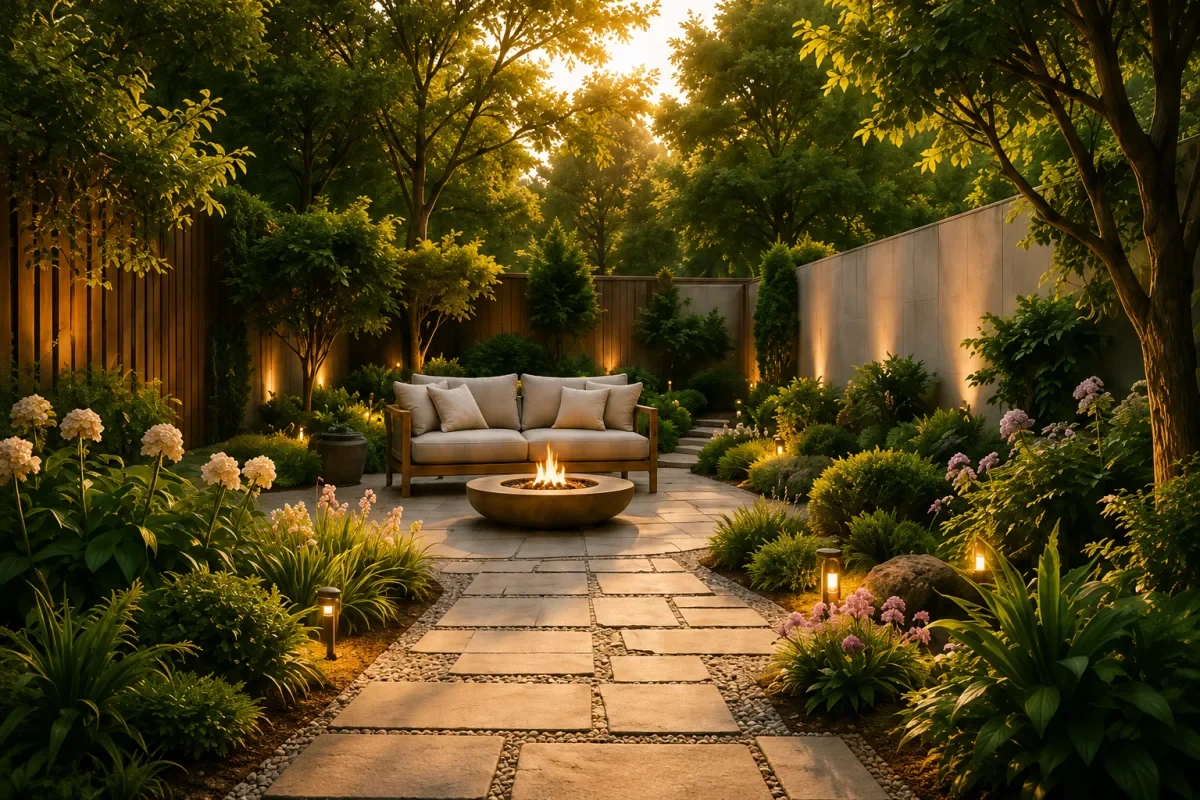
Ideas to explore
Decide what your yard needs first: a place to sit, planting or a clear path. Try that request on your own photo.
Explore ways to organize a compact garden or courtyard around how you want to use it.
Compare planting, paving and seating in the context of your existing outdoor space.
Save a garden concept to explain your preferences when discussing the project with a landscaper.
Interia
A backyard, front yard or courtyard is a good place to start.
Show the ground, boundaries and existing features as clearly as possible.
Select a style and mention ideas such as a seating area or a path.
Compare it with your current space and save the ideas you want to develop.
Interia
Yes. Add a photo showing your yard's boundaries and try ideas for planting, seating and paths. You can also start with a courtyard or terrace.
You can upload a bare outdoor area and describe the garden you want. Interia generates a visual concept to help you explore the possibilities.
It provides a landscape image, not a horticultural or engineering plan. Check plants against your climate, sunlight and soil, and assess drainage before installing anything.
Interia
Download Interia and try landscaping ideas on your garden or backyard photo.
Available for iPhone, iPad and Android